English
 Deutsch
 Italiano
 Français
 Português
 ไทย
 Tiếng Việt
 Polski
 Türkçe
 Nederlands
 Română
 한국어
 Svenska
 Español
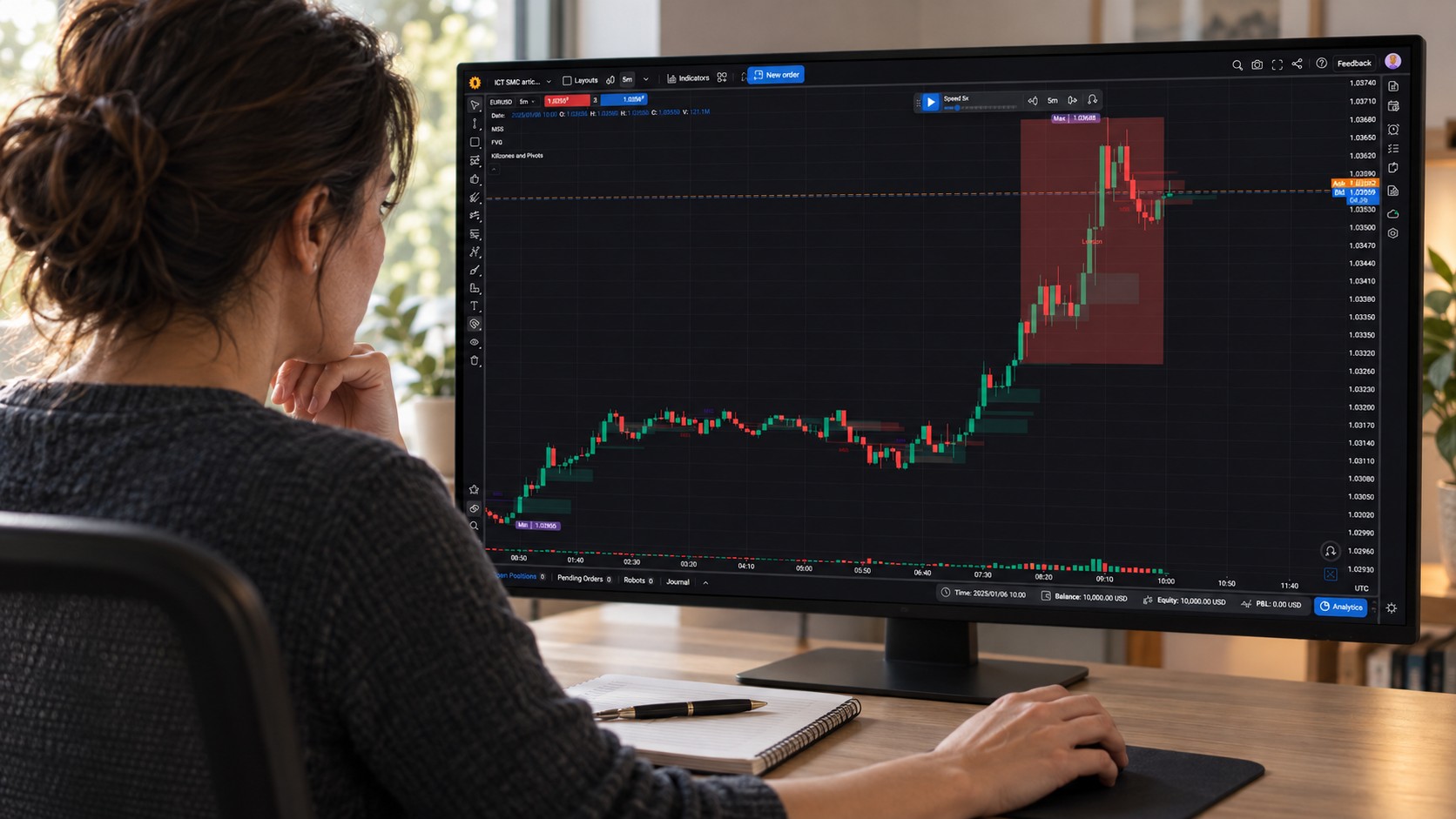
Forex Tester Online runs in your browser, so there is nothing to install: you log in and your projects, trading journal and settings are waiting for you. This guide shows how to log in on a computer or phone, and what to do in the few situations where login doesn’t go as expected.
How to log in to Forex Tester Online
- Go to forextester.com and click Log in in the top-right corner. You can also open app.forextester.com directly.
- Choose how to log in: Log in with Google, Log in with Microsoft, or enter your email and password and click Log In.
- You’ll land on your dashboard with all your projects.
Use the same method you signed up with. Most traders register with Google. If you did too, click Log in with Google and pick the same Google account; there is no separate password to remember.
Don’t have an account yet? Click Sign Up on the login page. You can start with the free plan and upgrade later on the same account, keeping all your projects.
Logging in on your phone or tablet
Forex Tester Online works on phones and tablets as well as on computers. Open app.forextester.com in your mobile browser (Chrome, Safari or any modern browser) and log in with the same account. There’s no app to download. On small screens you get an interface adapted for touch, and your projects are the same on every device.
Fixing common login problems
“I logged in, but I see ‘Select a plan’ instead of my subscription”
This is the most common question we get from customers, and the cause is almost always the same: you are logged in to a different account from the one you used to buy. It often happens to people with two Gmail addresses, or who bought with a work email and logged in with a personal one.
How to fix it:
- Click your initials in the top-left corner of the app and choose Sign Out.
- Find your purchase confirmation email and check which address it was sent to.
- Log in again with that address. If you signed up with Google or Microsoft, choose that same Google or Microsoft account.
- Open Account Settings in the same menu: your plan is shown there.
“I forgot my password”
- On the login page, click Forgot Password.
- Enter your email and click Continue.
- We’ll email you a link and a code. Open the link, or paste the code on the reset page, and choose a new password.
If the email doesn’t arrive, check your Spam folder and make sure you entered the address you registered with. And if you signed up with Google or Microsoft, you don’t need a password at all: just use the Google or Microsoft button.
“The login page doesn’t load” or “it keeps asking me to log in”
Usually the browser is the cause:
- Update your browser, or try the latest Chrome, Edge or Safari.
- Clear the cache and cookies for forextester.com, or try a private (incognito) window.
- Turn off extensions that block cookies or scripts, and reload the page.
“I have Forex Tester Desktop. Can I log in with my license?”
Forex Tester Desktop (the Windows program) and Forex Tester Online are separate products. Your desktop license key activates the Windows program; Forex Tester Online uses an online account with your email, Google or Microsoft login.
If you own a Forex Tester 4, 5 or 6 license, you can get Forex Tester Online Starter Lifetime for free: sign up for Forex Tester Online with the same email you used to buy the desktop license, then contact support with your order number. Desktop license owners can also upgrade to Pro at a discount; contact support for details.
Still can’t log in?
Contact our support team through the contact form or at support@forextester.com. To help us solve it quickly, include:
- the email address you used to buy (and the order number, if you have it);
- how you usually log in (Google, Microsoft or email);
- your browser and device, and a screenshot of what you see.
FAQ
Is the Forex Tester Online login the same on the website and in the app?
Yes. The Log in button on forextester.com opens the same login page as app.forextester.com.
Can I use one account on several devices?
Yes. Log in with the same account on your computer, tablet or phone, and your projects follow you.
Do I need to download anything to log in?
No. Forex Tester Online runs in the browser on Windows, macOS, Linux, Android and iOS.